Among the comments are
....Adding logic functions to a P&ID clutters it, is prone to add further unnecessary revisions to the P&ID every time a logic is changed ...
...agree that the complexity that we can configure into the DCS, PLc, and SIS cannot be represented adequately on the P&IDs...
...No, detail logic does not belong to PIDs. A PID is a construction document, as such it must show:
1-Hardwired input to logic interlock, complex loop or DCS/SIS
2-Hardwired output from logic interlock, complex loop or DCS/SIS to Final Control Element FCE
3-Identification of logic interlock, complex loop or DCS/SIS. Separate documents are generated for interlocks and complex loops...
So, how much can reasonably be shown on the P&ID depends on the type of process and previous practise but at the end of the day there are nearly always extra diagrams, typically with a cross reference on the P&ID. This blog post provides an explanation of how you can use ControlDraw to draw all those extra diagrams and relate them to the P&ID's
Top level diagram contains an object for each P&ID and child pages then provide a graphical list of the relevant loop and logic diagrams which are then diagrams under each object.
Here is a diagram that explains this (click to see full size)

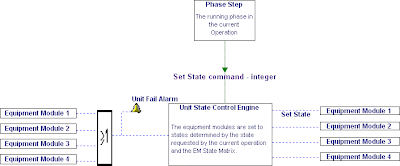
This can even be extended to cover such things as State based control Matrices and Cause and Effect Matrices
Note - if you have a list of the P&ID's (which is normal) you can copy the list to create the P&ID Overview diagrams using Paste Special as Rows. And you can create all the P&ID Overview diagrams with a couple of clicks from the Group Menu >Create/Link Child diagrams.